
Step-by-Step How to Create Your Colony
STEP-BY-STEP TO CREATE YOUR COLONY IN 3 MINUTES OR LESS
If you prefer the video, go to http://3.BuiltOnCulture.com
1. Tap Create a Colony in left column of homepage (You must be a member of Yelling Ant => a Basic (Free), Premium, or Premium Verified membership level is required)
2. Choose your Colony Name (Colony names must be 2 to 20 characters long and can only include letters, numbers, and underscores. May use upper and/or lowercase letters. Cannot include dashes or spaces.) NOTE: Colony Names
3. Add your Description (State what the Colony is about and what type of content is welcome. Also, invite Users to join the Colony. Maximum characters (including spaces) is 400.) Write the Description BEFORE you create the Colony and paste it into the space. Must be aligned with Yelling Ant Content Guidelines.)
4. Add your Colony banner (Recommended dimensions for jpg Banner are 1920 x 384 in a 5:1 aspect ratio.)
5. Add Colony Icon (Recommended dimensions for jpg ICON image is 300 x 300 in a 1:1 square aspect ratio.)
6. Select up to 3 Topics most aligned with your Colony.
7. Choose kind of Colony. (Public, Restricted, Private, or Mature.)
8. Click Mod Setting > General Settings > Welcome Message
9. Welcome Message is what every person who joins your Colony receives shortly after joining. (Write a nice Welcome Message BEFORE you create your Colony and paste it into the space. Tell those who have joined about the Colony and encourage them to get active in the Colony now. Maximum characters (including spaces) is 700. Must be aligned with Yelling Ant Content Guidelines.) Click “SAVE.”
10. Click “ARROW EXIT MOD TOOLS” in top left column.
11. That’s it. Your Colony is live. You have created your Colony! Congratulations!
12. Your Colony’s url is showing in the browser space at the top of the screen. Share this url with friends and prospects, in emails, listed in your LinkedIn profile, and in social media as frequently as you can.
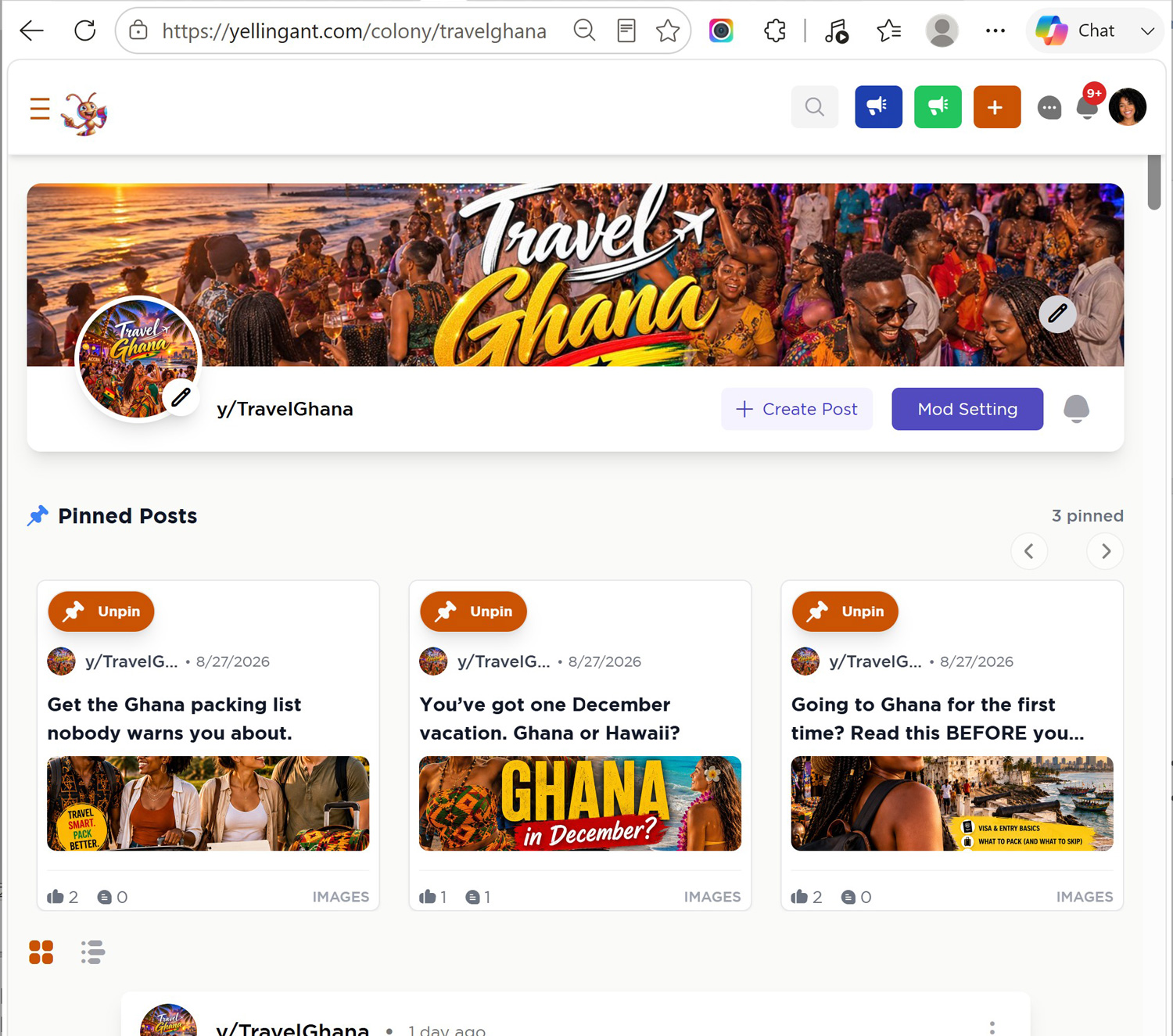
13. We suggest you add your Colony Rules and posts. Also, pin your early and/or high profile posts to the top of your Colony as shown in the video during the last 45 seconds of the video.
14. In order to have a great Colony, please see the “Ultimate Guide to Growing Your Yelling Ant Colony” here http://colonyguide.builtonculture.com